Support Ticket Analysis: How to Turn Customer Conversations Into Product Insights
Support ticket analysis helps product, CX, and success teams find recurring issues, quantify customer pain, and prioritize fixes from the conversations customers are already having.
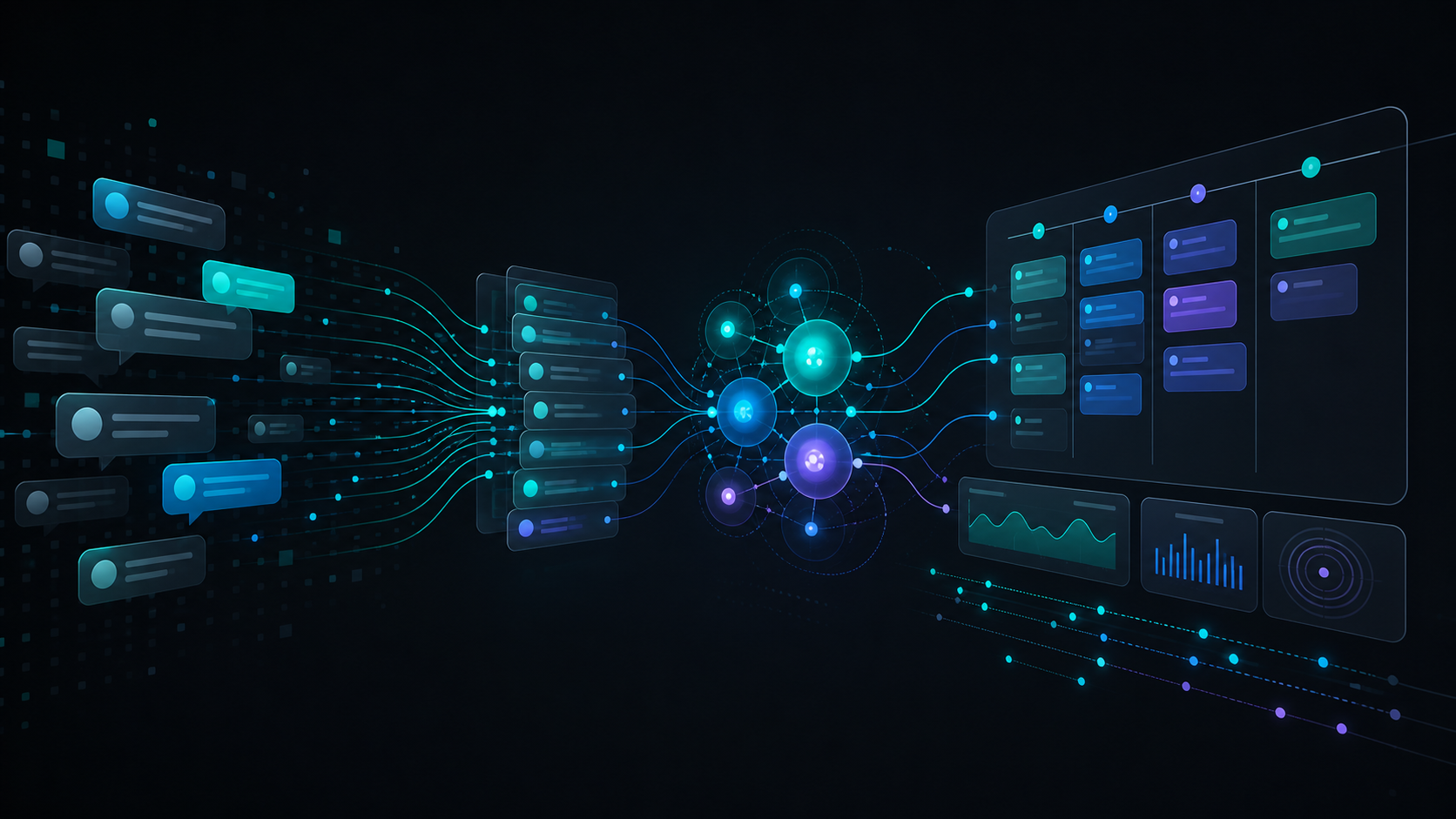
Support tickets are usually treated as a queue.
A customer asks for help. A support rep replies. The ticket gets solved, escalated, or closed. The team tracks response time, resolution time, CSAT, reopen rate, and maybe a handful of tags.
That is necessary. It is not enough.
For product teams, support tickets are one of the richest feedback channels in the company because they capture customers in the middle of real friction. Not imagined friction. Not hypothetical research questions. Not quarterly survey memory. Actual customers trying to get work done, hitting a blocker, and describing the problem in their own words.
The issue is that most companies only use support tickets to improve support operations.
They rarely use them to improve the product.
That is the missed opportunity. Support ticket analysis is not just a way to understand why the queue is busy. Done well, it is a way to turn customer conversations into product insights, retention signals, onboarding fixes, roadmap inputs, and evidence-backed prioritization.
What is support ticket analysis?
Support ticket analysis is the process of analyzing the content of support conversations to find recurring themes, quantify customer pain, and identify the product, process, or experience issues driving customer contact.
It goes beyond operational analytics.
Operational analytics asks:
- How many tickets did we receive?
- How fast did we respond?
- How long did resolution take?
- Which agent handled the case?
- What was the CSAT score?
Support ticket analysis asks:
- What were customers actually trying to accomplish?
- Which product areas created the most confusion?
- Which issues are growing over time?
- Which segments or accounts are most affected?
- Which tickets represent bugs, feature requests, expectation gaps, onboarding friction, or churn risk?
- Which patterns should product, success, or operations act on?
The difference matters. A support dashboard can tell you the queue is moving faster. Ticket analysis can tell you which product changes would make the queue smaller.
Why support tickets are becoming more strategic in 2026
Customer service teams are under intense pressure to adopt AI. Gartner reported that 91% of customer service and support leaders feel executive pressure to implement AI, while also redesigning frontline roles around human judgment, knowledge quality, and more complex customer work.
That changes the value of support data.
As AI handles more routine questions, the tickets that remain, escalate, repeat, or show frustration become even more important. They are not just a workload problem. They are a signal that something in the customer experience needs attention.
Deloitte's 2026 global contact center research points in the same direction: AI-mature contact centers are pulling away, but leaders still cite integration, legacy systems, and data security as major barriers. In other words, the advantage is not just having AI. It is connecting the data, context, and workflows around AI so the organization can learn from customer interactions.
Support tickets sit directly inside that problem.
They contain the raw material for better automation, better knowledge bases, better onboarding, better product decisions, and better churn prevention. But only if the company can analyze them as conversations, not just cases.
Why tags alone are not enough
Most companies already have support tags. That creates the illusion that they are analyzing support tickets.
Usually, they are not.
Tags are useful for routing and reporting, but they are a weak substitute for understanding customer language. They often fail for five reasons.
1. Tags are too broad
A tag like "onboarding" can contain ten different problems:
- The customer did not understand the first setup step.
- The customer lacked admin permissions.
- The import flow failed.
- The customer expected guided implementation.
- The customer could not explain the product internally.
- The integration worked, but the customer did not trust the synced data.
Those are all different product implications. One tag hides them.
2. Tags reflect the support workflow, not the customer problem
Support teams tag tickets in ways that help them manage the queue. Product teams need themes that explain customer friction.
"Billing" may be the support category. The product issue might be seat expansion confusion. "Integrations" may be the category. The customer issue might be unclear sync status, missing error recovery, or anxiety about data quality.
The workflow label is not the same as the product insight.
3. Tags drift over time
Two agents may tag the same issue differently. A new agent may use old categories inconsistently. A category that made sense last year may become too vague as the product changes.
If the taxonomy drifts, trend data becomes unreliable.
4. Tags miss emerging issues
Predefined tags are good at confirming what the team already knows. They are bad at detecting what just started happening.
Emerging issues often hide in "other" until the volume becomes painful enough for someone to notice.
5. Tags do not preserve evidence
A dashboard may say "checkout confusion is up 18%." The next question is: which customers? What exactly did they say? Is this a UX issue, a copy issue, a policy issue, or a pricing expectation issue?
Without source conversations and quotes, the team has a count but not enough evidence to act.
How to turn support tickets into product insights
The goal is not to give product teams another dashboard. The goal is to create a reliable path from customer conversation to product decision.
Here is the practical workflow.
Step 1: Analyze the full conversation, not just the ticket field
Ticket subject lines and final tags are not enough. The useful signal is often in the back-and-forth:
- What did the customer ask first?
- What did the agent misunderstand?
- What workaround was attempted?
- Where did frustration increase?
- What did the customer say when the first answer did not help?
- Did the customer mention urgency, account impact, internal pressure, or renewal timing?
A ticket is not a row in a spreadsheet. It is a conversation. The analysis should preserve that.
Step 2: Let themes emerge before forcing a taxonomy
Start with the language customers actually use.
If hundreds of customers describe the same confusion in different words, the analysis should group those conversations by meaning before deciding what to call the theme. That gives you a customer-grounded taxonomy rather than a support-team taxonomy.
You can still curate the themes afterward. The key is sequence: discover first, standardize second.
Step 3: Quantify volume, trend, and segment
Anecdotes are useful, but product teams need prioritization inputs.
For each theme, measure:
- How many customers mentioned it.
- Whether volume is rising or falling.
- Which account segments are affected.
- Whether the theme is concentrated in new customers, enterprise accounts, trial users, admins, or churn-risk customers.
- How much support effort the theme consumes.
- Whether sentiment is neutral, frustrated, urgent, or angry.
This is where support ticket analysis becomes more than a research exercise. It becomes a prioritization system.
Step 4: Separate support fixes from product fixes
Not every support theme requires a product change.
Some themes need better documentation. Some need macro updates. Some need agent coaching. Some need onboarding changes. Some need proactive customer success outreach. Some need product design or engineering work.
The point is to route the insight to the right owner.
A good support ticket analysis workflow should classify the likely action path:
- Knowledge base update.
- Help-center content gap.
- Onboarding flow improvement.
- Product UX change.
- Bug investigation.
- Feature request.
- Success intervention.
- Billing or policy clarification.
- Churn-risk review.
That routing turns analysis into action.
Step 5: Preserve source evidence
Every insight should be traceable.
If the analysis says "admins are confused by permission inheritance," the product manager should be able to open the supporting conversations, see the exact customer words, inspect affected accounts, and understand the workflow context.
This matters because product teams should not prioritize based on AI summaries alone. Summaries are helpful, but the evidence is what creates trust.
Step 6: Close the loop after the fix
The final step is the one most teams skip.
After a product, documentation, or onboarding change ships, the team should check whether the theme actually improves:
- Did ticket volume decrease?
- Did sentiment improve?
- Did related escalations fall?
- Did affected accounts recover?
- Did new customers stop hitting the same blocker?
Without that loop, support ticket analysis becomes reporting. With the loop, it becomes a system for improving customer experience.
What product teams should look for in support tickets
Not every ticket is equally useful for product. The highest-signal tickets usually fall into a few categories.
Repeated confusion
If customers repeatedly ask how something works, the product may not be as intuitive as the team believes.
Repeated confusion is often more important than explicit feature requests because it shows friction in a workflow customers already care about.
Workarounds
When customers describe manual workarounds, they are telling you where the product does not match their operating reality.
Workarounds are especially valuable because they reveal jobs-to-be-done more clearly than abstract requests.
Escalations after self-service
If customers read the docs, interact with AI support, or receive a macro and still escalate, the issue may be deeper than content coverage.
This is where support ticket analysis connects directly to AI support quality.
Account-risk language
Phrases like "we cannot roll this out," "leadership is asking," "this is blocking renewal," "we may need another option," or "our team stopped using it" should not be buried inside individual tickets.
They are retention signals.
Cross-functional friction
Some tickets are not really support issues. They expose friction between product, sales expectations, onboarding, implementation, billing, or customer success.
These are the themes that need organizational ownership, not just a better reply.
How AI changes support ticket analysis
AI makes full-coverage analysis possible. A human analyst can read a sample. AI can analyze every conversation continuously.
But AI only creates value if the output is structured, traceable, and connected to decisions.
The bad version looks like this:
- Summarize every ticket.
- Generate a list of generic themes.
- Show a sentiment score.
- Call it customer intelligence.
The useful version looks like this:
- Group conversations by underlying customer need.
- Track volume and trend by segment.
- Separate bugs, feature requests, confusion, expectation gaps, and churn risk.
- Preserve the customer quotes behind each theme.
- Route insights to product, support, success, and operations.
- Measure whether the pattern improves after action.
McKinsey recently argued that companies need to move from fixed journeys to more dynamic, AI-enabled experience orchestration in the agentic era. Support ticket analysis is one of the practical foundations for that shift because it tells the company what customers are actually experiencing across the journey.
A simple support ticket analysis framework
If you want to start this week, do not begin with a huge taxonomy project.
Start with one product area and 200 recent tickets.
For each ticket, capture:
- Customer goal.
- Product area.
- Underlying issue.
- Customer emotion.
- Segment or account type.
- Repeated contact.
- Likely owner.
- Evidence quote.
Then ask five questions:
- What are the top recurring issues?
- Which issues are increasing fastest?
- Which themes affect the highest-value customers?
- Which themes are really product or onboarding problems?
- Which fix would remove the most future tickets?
That is enough to make the first review useful.
Once the team trusts the method, automate the coverage and make it continuous.
The point is not better reporting
Support ticket analysis is not about making a prettier dashboard for the support team.
It is about changing what the company notices.
Support already hears the customer every day. Product needs that signal before the roadmap hardens. Customer success needs it before renewal risk becomes visible. Marketing needs it before messaging drifts away from actual customer language. Leadership needs it before anecdote becomes strategy.
The companies that win will not be the ones that answer tickets fastest. They will be the ones that learn fastest from every customer conversation.
If you want to see what support ticket analysis looks like across your own conversations, book a 20-minute demo. We will show you the recurring issues, product signals, and churn risks your customers are already describing.
Keep reading
Customer Feedback Management and Analytics: Why AI Raises the Bar
Customer feedback management and analytics is moving beyond surveys and dashboards. AI makes omnichannel customer intelligence, source traceability, and insight activation the new baseline.
Closed-Loop Customer Feedback: How to Turn Insights Into Action
Closed-loop customer feedback is the discipline of turning customer conversations into owned actions, follow-up, and measurable improvement instead of another report nobody uses.